

For decades, gamers have loved Minesweeper, a classic logic game. The minesweeper game is known for its basic but hard gameplay. It tests your ability to think strategically and recognize patterns. Players keep coming back because it’s so exciting to solve the grid, whether they’re finding safe tiles or marking concealed mines. Google Minesweeper and Microsoft Minesweeper are two of the most popular versions on the internet. Both of these games put their own spin on the traditional minesweeper game, but which one is the best? We’ll look at the history, gameplay mechanics, accessibility, features, and more in this post to find out which version is the best.
Where Minesweeper Came From
The game minesweeper goes back to the 1960s, when early versions were played on mainframe computers. But it became very popular in the 1990s when Microsoft added it to Windows 3.1 as part of the Microsoft Entertainment Pack. Curt Johnson made Microsoft Minesweeper to help people learn how to use the mouse, especially the right-click function for marking mines. Because it was included with Windows, it became well-known and stayed that way until 2012, when Windows 8 came out and it was replaced by a downloadable version from the Microsoft Store.
On the other hand, Google Minesweeper is a new version that came out in 2018 as part of Google’s Doodle games series. Google Minesweeper made the iconic game available on browsers and mobile devices without requiring downloads. You can find it by searching for “minesweeper” on Google. The main goal of both variants of the minesweeper game is the same: clear a grid of tiles without setting off hidden mines, utilizing numbered clues to help you make choices. But their methods are very different, from how they make boards to how users interact with them.
How to Play Minesweeper: The Basics of the Game
Before you start comparing, you need to know how to play Minesweeper if you haven’t played it before. In the minesweeper game, you click on tiles on a grid. Some of these tiles hide mines. The goal is to find all the safe tiles without setting off a mine. When you left-click on a tile, it may show a number that tells you how many mines are in the eight squares around it, or it may show a blank space that opens up neighboring safe tiles. Right-clicking marks a tile as a possible mine, which stops anyone from clicking on it by mistake. In mobile versions, tiles are usually flagged by a lengthy press.
In both Google Minesweeper and Microsoft Minesweeper, the first click is always safe, so players don’t lose right away. Numbers let you make strategic choices, while advanced techniques like “chording” (clicking a numbered tile with all its mines flagged to see nearby tiles) make the game more interesting. Now that we’ve gone over the basics of how to play Minesweeper, let’s look at the two versions and see how they stack up in important areas.
Making the board and setting the difficulty levels
Minesweeper from Microsoft
Microsoft Minesweeper has three levels of difficulty: Beginner (9×9 grid with 10 mines), Intermediate (16×16 grid with 40 mines), and Expert (30×16 grid with 99 mines). Players can also make their own boards with different sizes and numbers of mines, but the most mines they can have is (rows-1) × (columns-1). The game makes random boards, which can sometimes lead to circumstances where players have to guess, like when two tiles have the same chance of having a mine (50/50). This randomness is like what you would expect from a typical minesweeper game, but it can be frustrating for players who just want to use logic to solve problems.
Google’s Minesweeper
Google Minesweeper has three degrees of difficulty: Easy (9×9 with 10 mines), Medium (16×16 with 40 mines), and Hard (30×16 with 99 mines). It uses a “No Guessing” algorithm, which is different from Microsoft Minesweeper, to reduce or eliminate situations when players have to guess. This algorithm makes boards that are often solvable by logic alone, which makes them easier for beginners to use, even though they aren’t perfect and some boards may still need guesses. But this can make the boards less complicated, which some advanced players find less fun.
Both versions let players play Minesweeper at their own skill level, but Google Minesweeper is better for beginners because it focuses on making the game less guesswork. Microsoft Minesweeper, on the other hand, appeals to purists who like to gamble every now and again.
Availability and Accessibility of Platforms
Microsoft’s Minesweeper
Windows 10 and later don’t come with Microsoft Minesweeper pre-installed anymore. You have to get it from the Microsoft Store. You can now get it as an app for Android and iOS. It lets you play offline and has features like leaderboards and achievements. Installation can be a little annoying, especially for people who want to play Minesweeper right away without having to set it up. But it works with a lot of other systems, including Windows, mobile devices, and tablets.
Google’s Minesweeper
Google Minesweeper is really easy to use. Players can start the game right away in their browser by typing “minesweeper” into Google. This is one of the easiest ways to play Minesweeper online. Android smartphones come with it already loaded, and iOS users can get it through the Google app. You don’t need to download anything to play it on the web. Mobile users may play the game offline, and it works on PCs, laptops, tablets, and smartphones, so everyone can have a smooth experience. Google Minesweeper’s rapid access is the best for people who want to play Minesweeper during a short break.

User Interface and Experience
Microsoft Minesweeper
Microsoft Minesweeper has a retro look, with gray tiles and naval mine icons that are quite similar to the old Windows 3.1 version. The UI has been updated recently to provide nicer graphics and themes that mobile users can choose from, such flowers or clouds. On computers, you can chord by clicking the left and right buttons or the middle button. On mobile devices, you can long-press to flag. Some players, on the other hand, say that touchscreens can be tricky when it comes to placing flags, which can cause mines to go off by mistake. The UI works, but it’s not as polished as newer versions.
Google Minesweeper
The design of Google Minesweeper is sleek and modern, with clear graphics and easy-to-use controls. The bright colors and delicate motions make the game more visually appealing, however some players find the animations irritating and want an option to turn them off. The game lets you play chords and features snappy controls. You can uncover things by left-clicking and highlighting things by right-clicking or long-pressing. When you sign in, it works with Google services so you can save your games in the cloud and see who is at the top of the leaderboard. This adds a social aspect to the minesweeper game. It is fun and easy to use since it has features that make it accessible to everyone, such as colorblind-friendly settings.
New things and features
Microsoft’s Minesweeper
Microsoft Minesweeper has global leaderboards, weekly challenges, and achievements that make people want to compete. The mobile version has an auto-save feature that lets users pick up where they left off in a game. Advanced players may make their own board sizes for new challenges, and the game lets you zoom in and out to see better on smaller displays. Some versions, on the other hand, feature adverts that can be deleted with a one-time payment, however users have said that the ads are too loud and that payments don’t always go through.
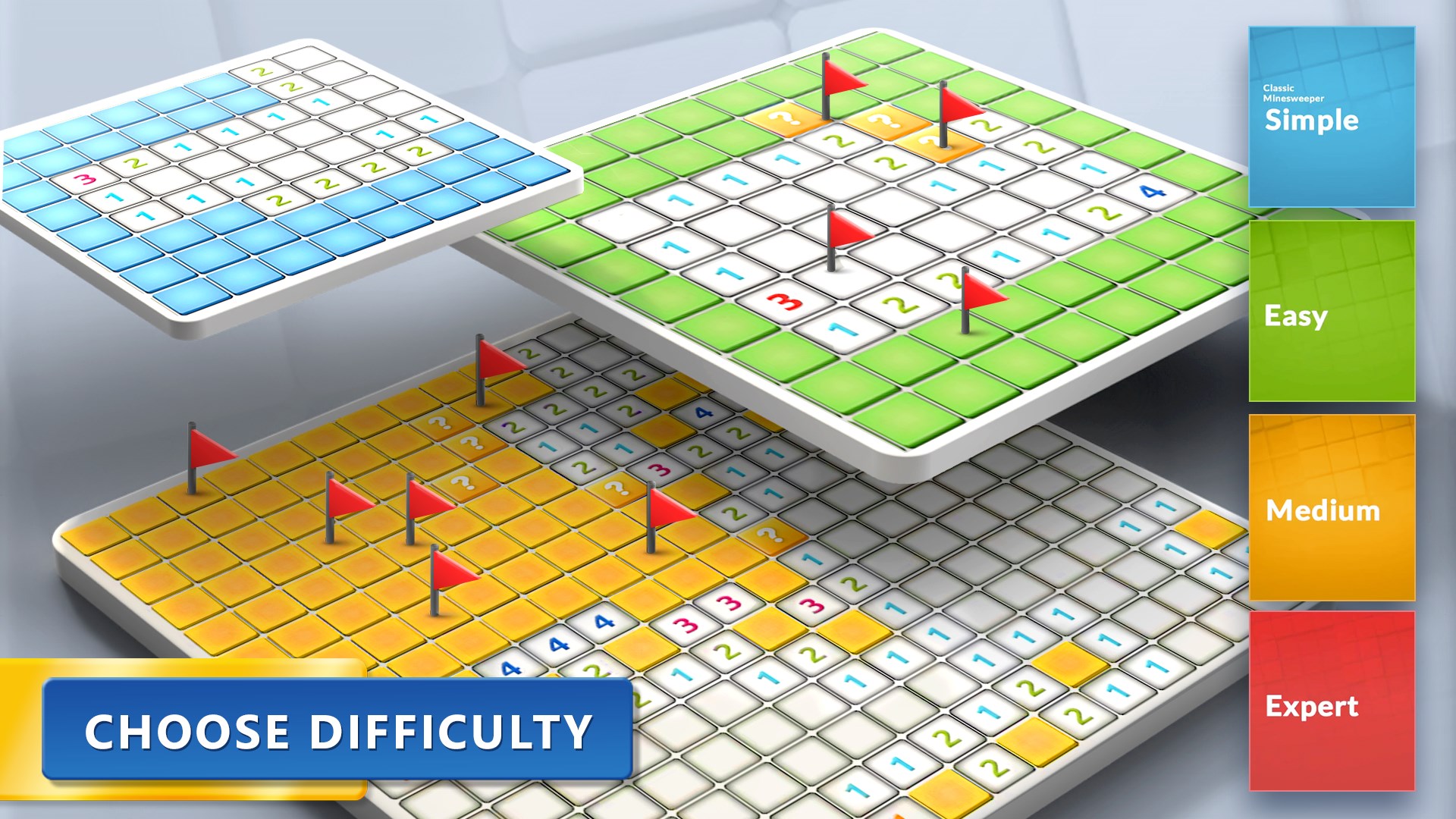

Google Minesweeper
Google Minesweeper adds new features like cloud saves, leaderboards, and social sharing to make people feel like they are part of a community. Its “No Guessing” technique is a big step forward, and it hopes to make every board solvable using logic. There are no commercials or in-app purchases in the game, which makes it more fun to play. Updates every so often add new themes or modes, usually based on Google Doodle events, to keep the game interesting. Google’s version of minesweeper is the best choice for players who want a sophisticated, ad-free online experience.
Ways to Succeed
Players need to learn important methods to get really good at Minesweeper. Begin with the edge and corner tiles, since they have less squares next to them, which makes it less likely that there are mines. For example, a “1” touching one unopened tile means there is a mine, and a “2” touching two tiles means there are two mines. When logic isn’t enough, use probability. For instance, if two tiles have a 50% chance of having a mine, make an educated guess. It’s really important to be efficient with flags. Only flag tiles that you know have mines to minimize misunderstanding. Both versions reward these methods, although Google Minesweeper’s boards that emphasize on logic make it a little simpler for beginners to spot patterns.
Playing with others and against others
There is a dedicated community for Microsoft Minesweeper, especially on sites like Reddit, where players talk about methods and offer ideas. Competitive gamers like the leaderboards and achievements, while custom boards let people make their own challenges. Google Minesweeper also has a large community; Speedrun.com has 2000 registered runners, which shows how popular it is with speedrunners. It’s easy to interact with other people because of the social aspects, such being able to share scores with pals. Both versions are fun for competitive people, but Google Minesweeper has a little edge when it comes to social involvement because it works so well with Google services.
Table of Comparison
|
Feature |
Microsoft Minesweeper |
Google Minesweeper |
|---|---|---|
|
Accessibility |
Requires download from Microsoft Store or app stores |
Instant browser access via Google search; pre-installed on Android |
|
Platform |
Windows, Android, iOS |
Web browsers, Android, iOS (via Google app) |
|
Difficulty Levels |
Beginner (9×9, 10 mines), Intermediate (16×16, 40 mines), Expert (30×16, 99 mines), Custom |
Easy (9×9, 10 mines), Medium (16×16, 40 mines), Hard (30×16, 99 mines) |
|
Board Generation |
Random, may require guesses |
“No Guessing” algorithm, logic-based |
|
Interface |
Nostalgic, functional, optional themes |
Modern, vibrant, subtle animations |
|
Controls |
Left+right/middle-click, long-press (mobile); some touchscreen issues |
Left-click, right-click/long-press; responsive |
|
Features |
Leaderboards, achievements, auto-save, custom boards |
Cloud saves, leaderboards, social sharing, ad-free |
|
Ads |
Ads in some versions, removable with purchase |
Ad-free |
|
Target Audience |
Nostalgic players, advanced users |
Beginners, casual players |
Conclusion
The fight between Google Minesweeper and Microsoft Minesweeper shows two different ways to play a popular game. Microsoft Minesweeper brings back memories with its classic randomness and customisable boards. It’s fun for both long-time fans and expert players who like the challenge of having to guess sometimes. It has offline functionality and competitive elements like leaderboards, which make it a good choice for serious gamers. But the necessity to install and see advertising from time to time can make the experience less enjoyable.